Premiere beta’s Enhance Audio separates clips into speech, music, ambience, effects and reverb so editors can salvage takes
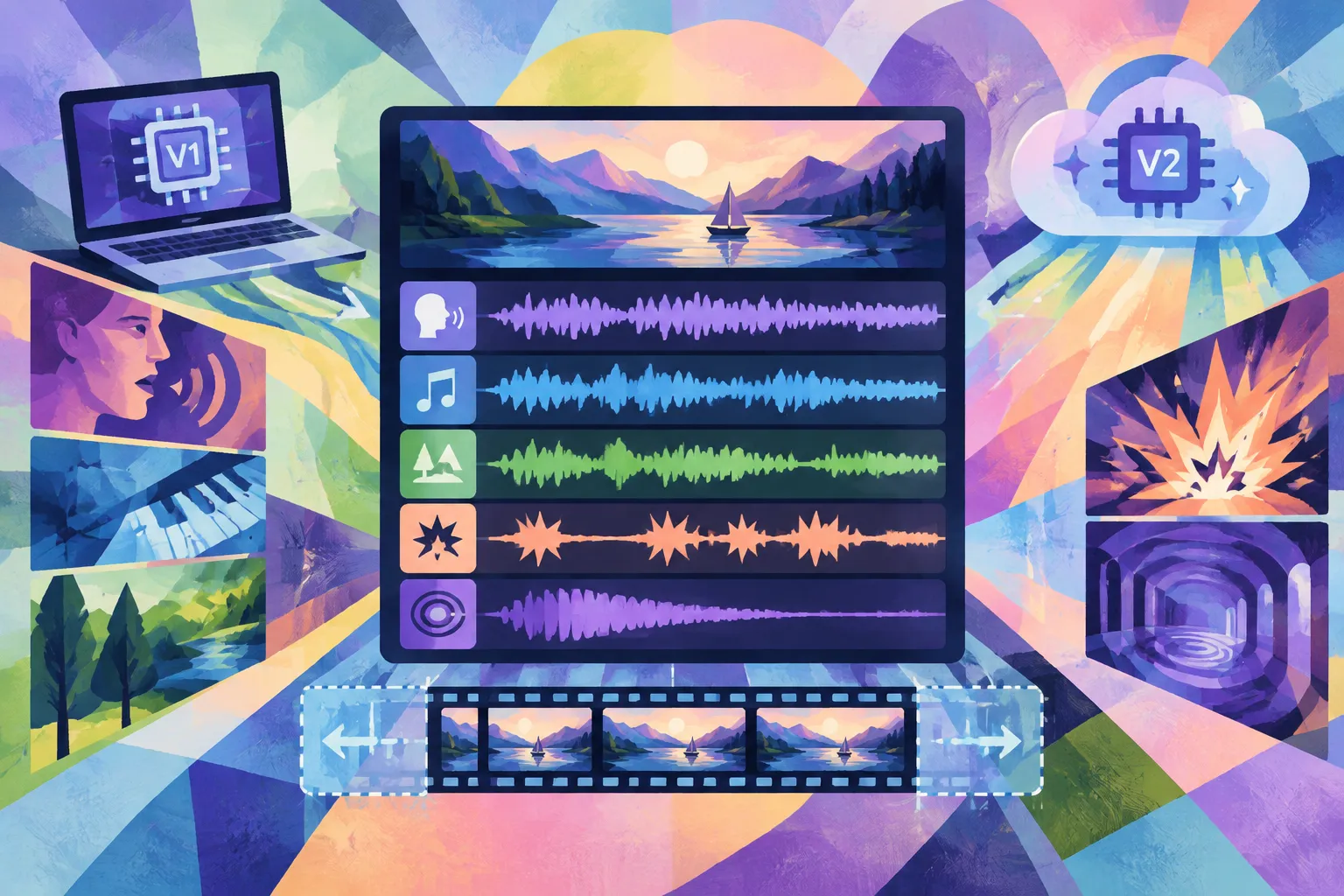
Adobe’s Enhance Audio, included in the Premiere beta, splits a clip into speech, music, ambience, sound effects and reverb so editors can rebalance elements and keep cutting without blocking renders; a local model (V1) runs on the user’s machine while a higher-quality cloud model (V2) uses Firefly and charges two generative credits per minute, and Premiere processes five seconds of handles on each side of clips to reduce reprocessing.
Summary
AI-assisted summary of the linked sourceAdobe’s Enhance Audio, included in the Premiere beta, splits a clip into speech, music, ambience, sound effects and reverb so editors can rebalance elements and keep cutting without blocking renders; a local model (V1) runs on the user’s machine while a higher-quality cloud model (V2) uses Firefly and charges two generative credits per minute, and Premiere processes five seconds of handles on each side of clips to reduce reprocessing.